
Reading dense PDFs, made fun.
Quincy helps you get through dense PDFs and actually enjoy it. Ask the page questions, summarize and quiz yourself, listen to passages aloud, and earn badges and streaks that turn every reading session into progress.
Your email is only used for release updates.
Everything you need to read smarter.
A fast, local-first reader with AI that stays grounded in the page, speech for the passage you choose, and study tools a click away.
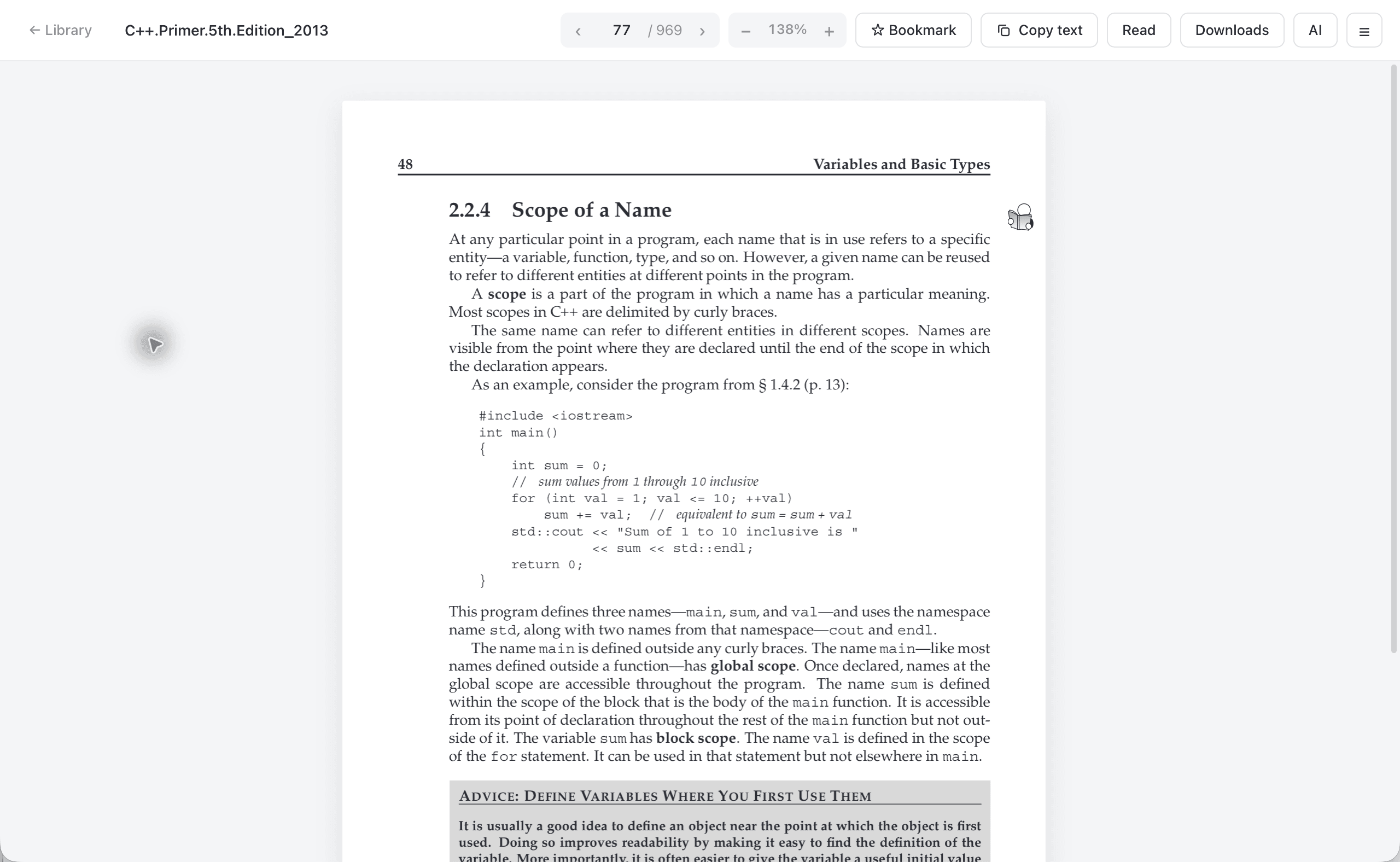
A lightweight PDF reader that stays out of your way.
Quincy copies PDFs into local app storage, remembers the page and zoom per book, and keeps the controls you use most in one compact toolbar.
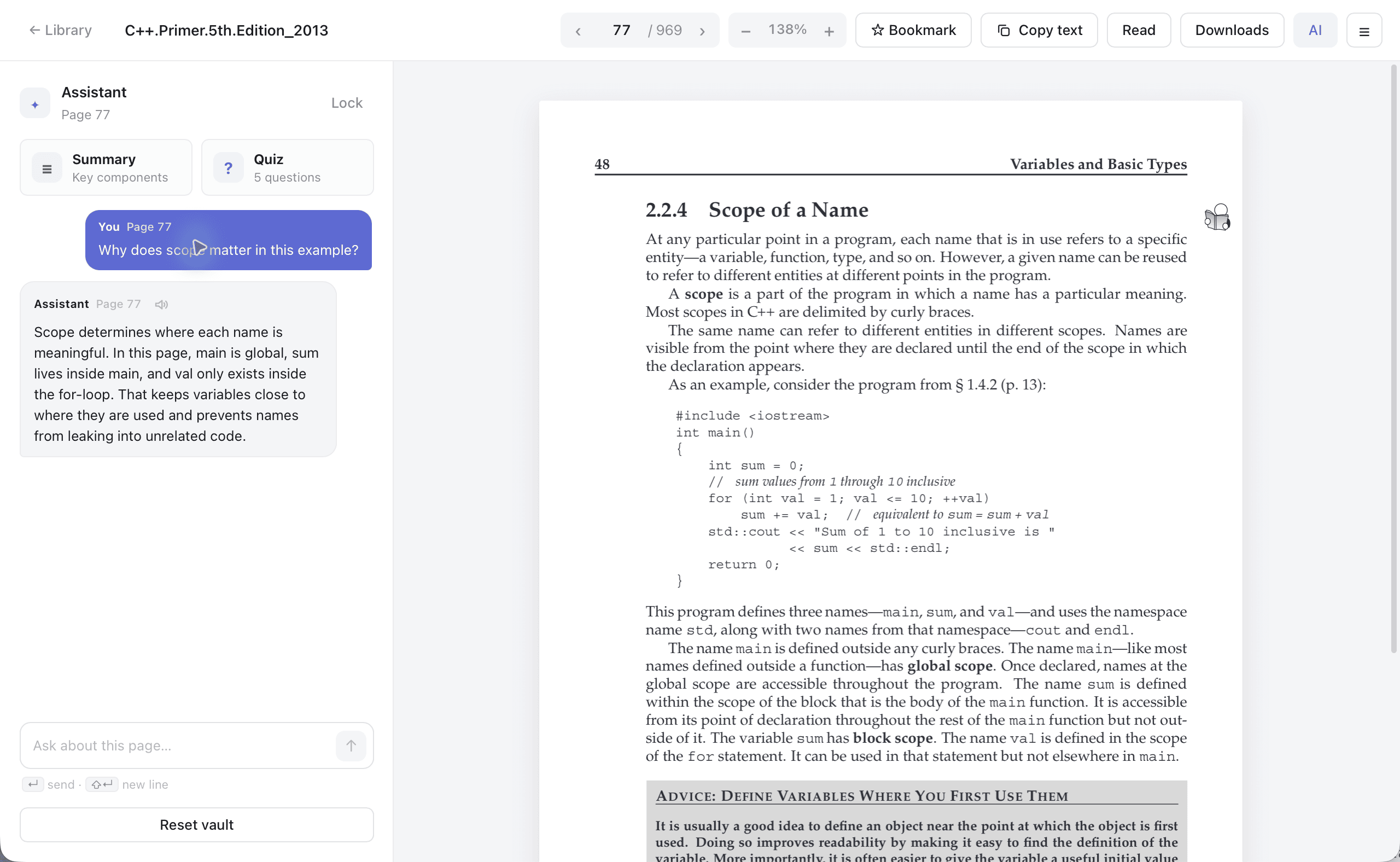
Talk to the exact page you are reading.
Open the assistant beside the PDF and ask follow-up questions grounded in the current page. Answers stay next to the source instead of pulling you into another app.
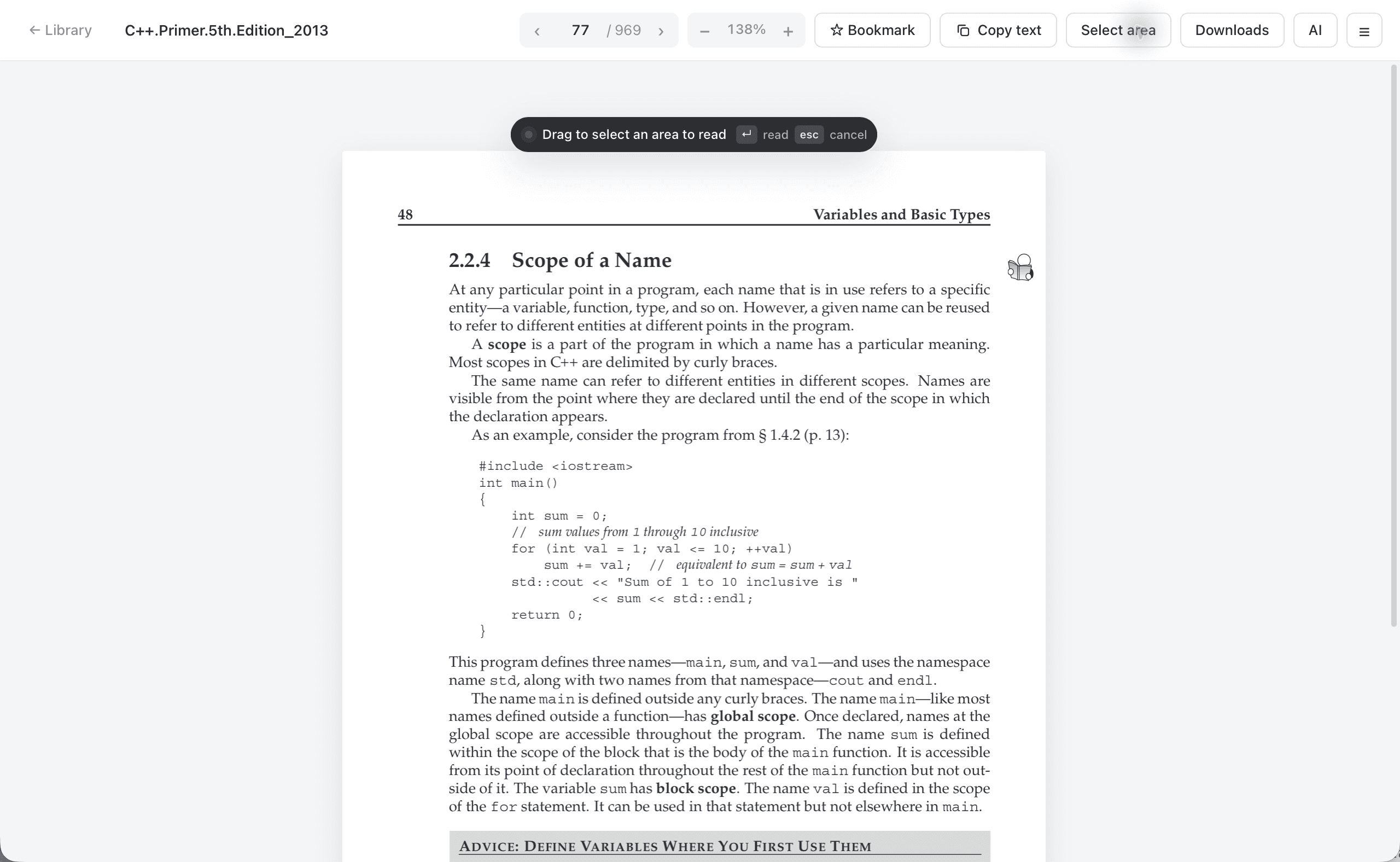
Select the section you want to hear.
Press R or click Read, drag over the part of the page you care about, and Quincy cleans the extracted text before handing it to macOS speech.
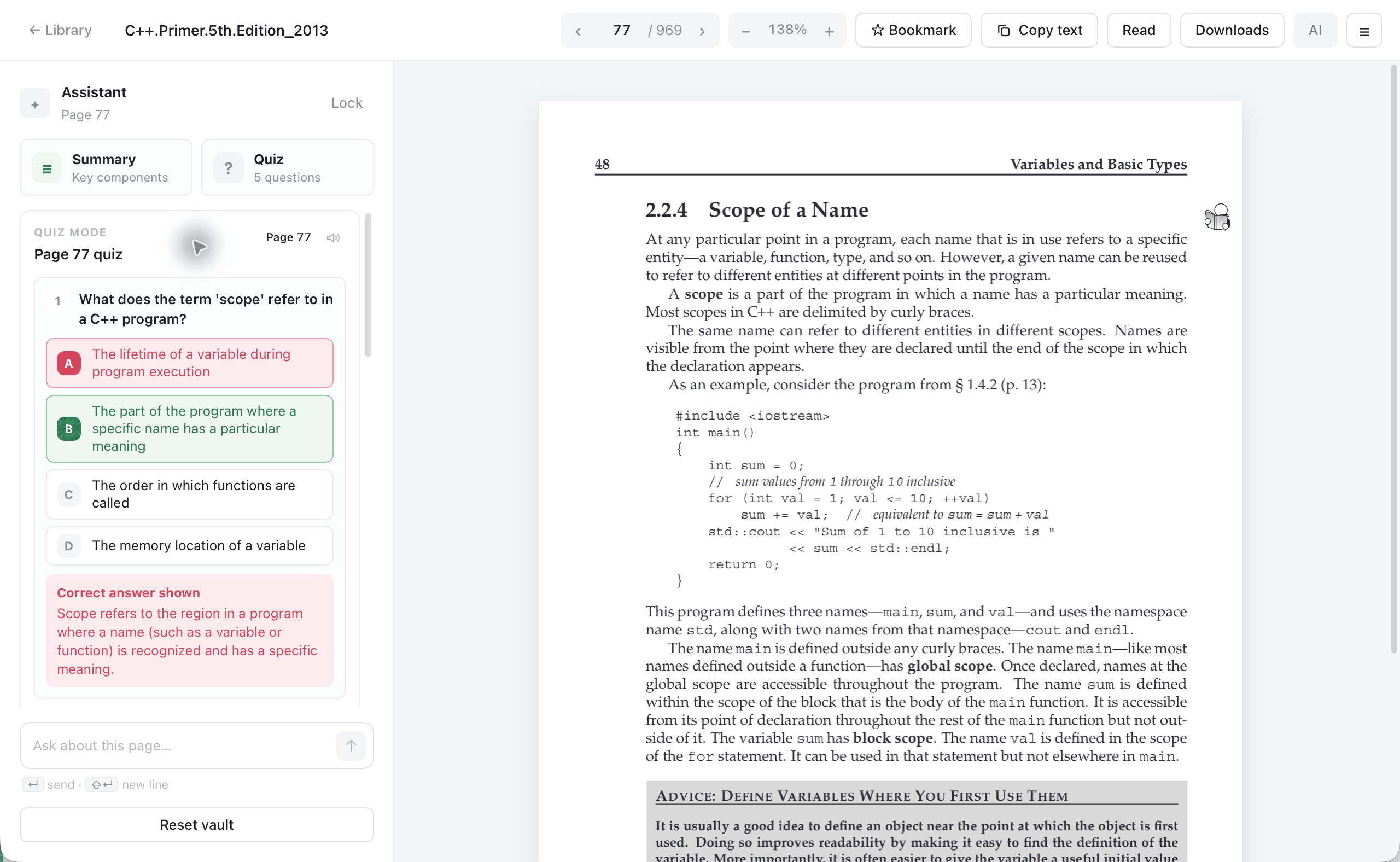
Distill the page, then test yourself on it.
Generate a focused page summary or a five-question quiz. Wrong answers reveal the right choice and explanation without hiding the original page.
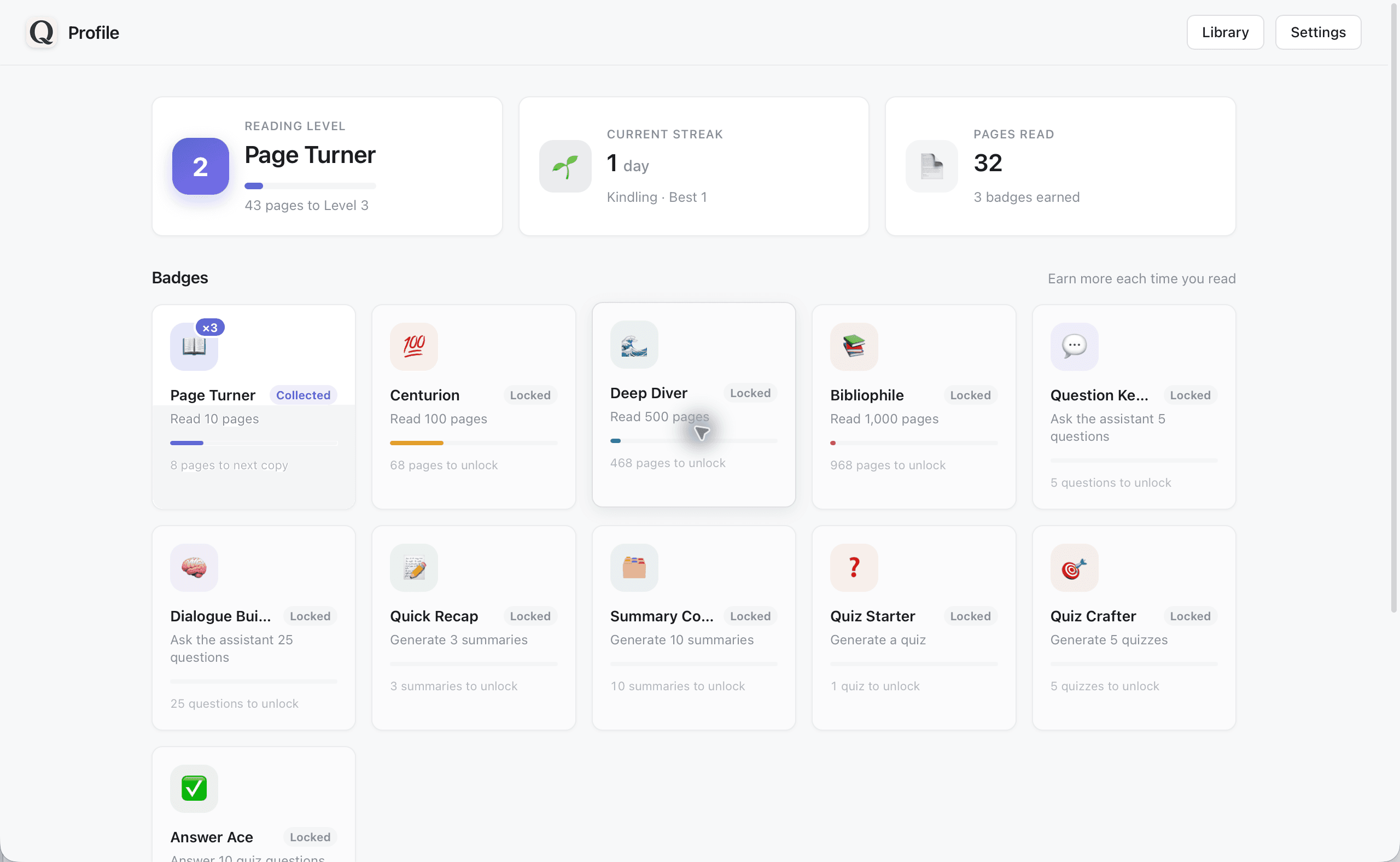
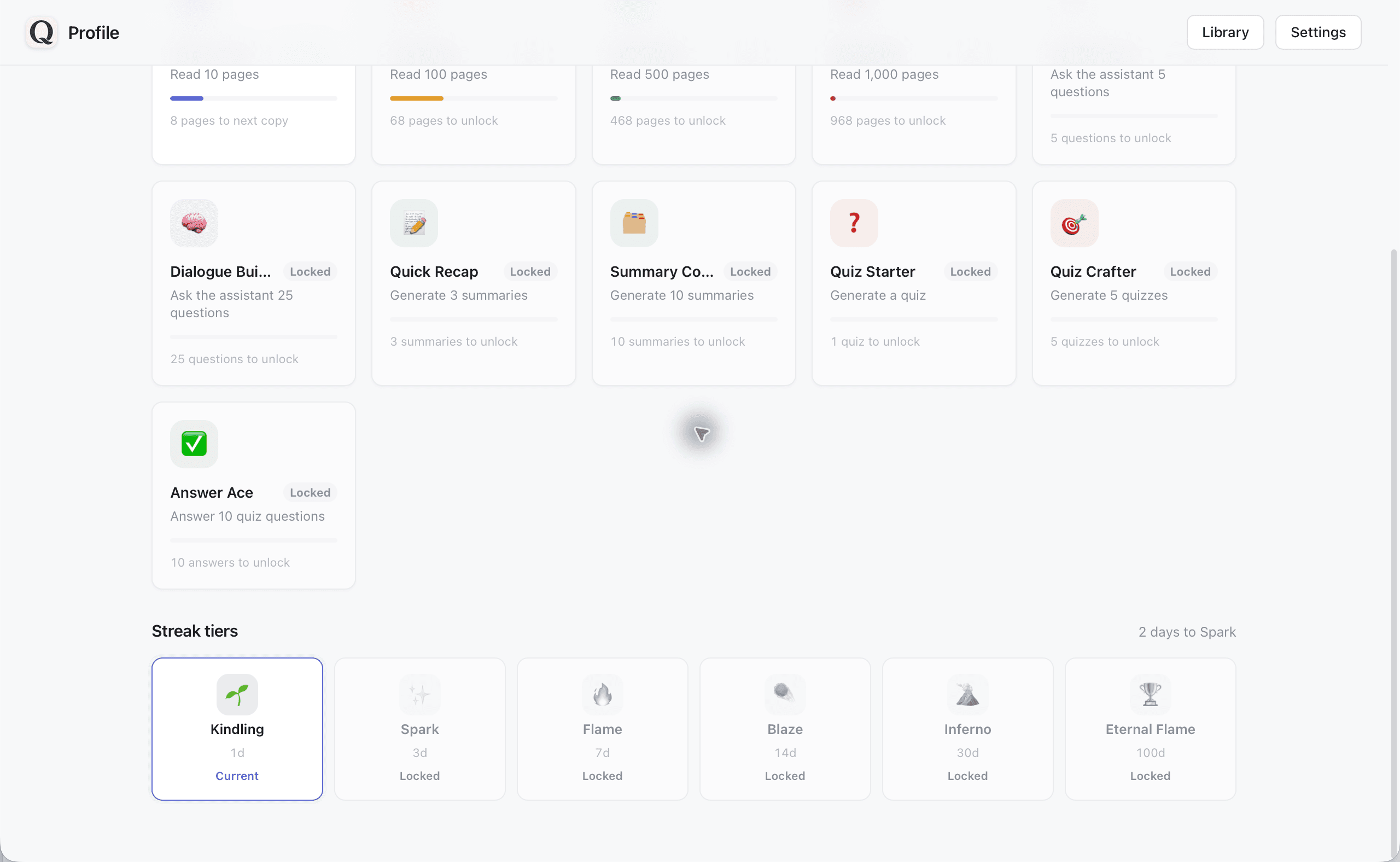
Reading that rewards you.
Quincy turns reading into progress you can see. Earn badges, build daily streaks, and level up as you read, so the habit is easier to start and a lot more fun to keep going.
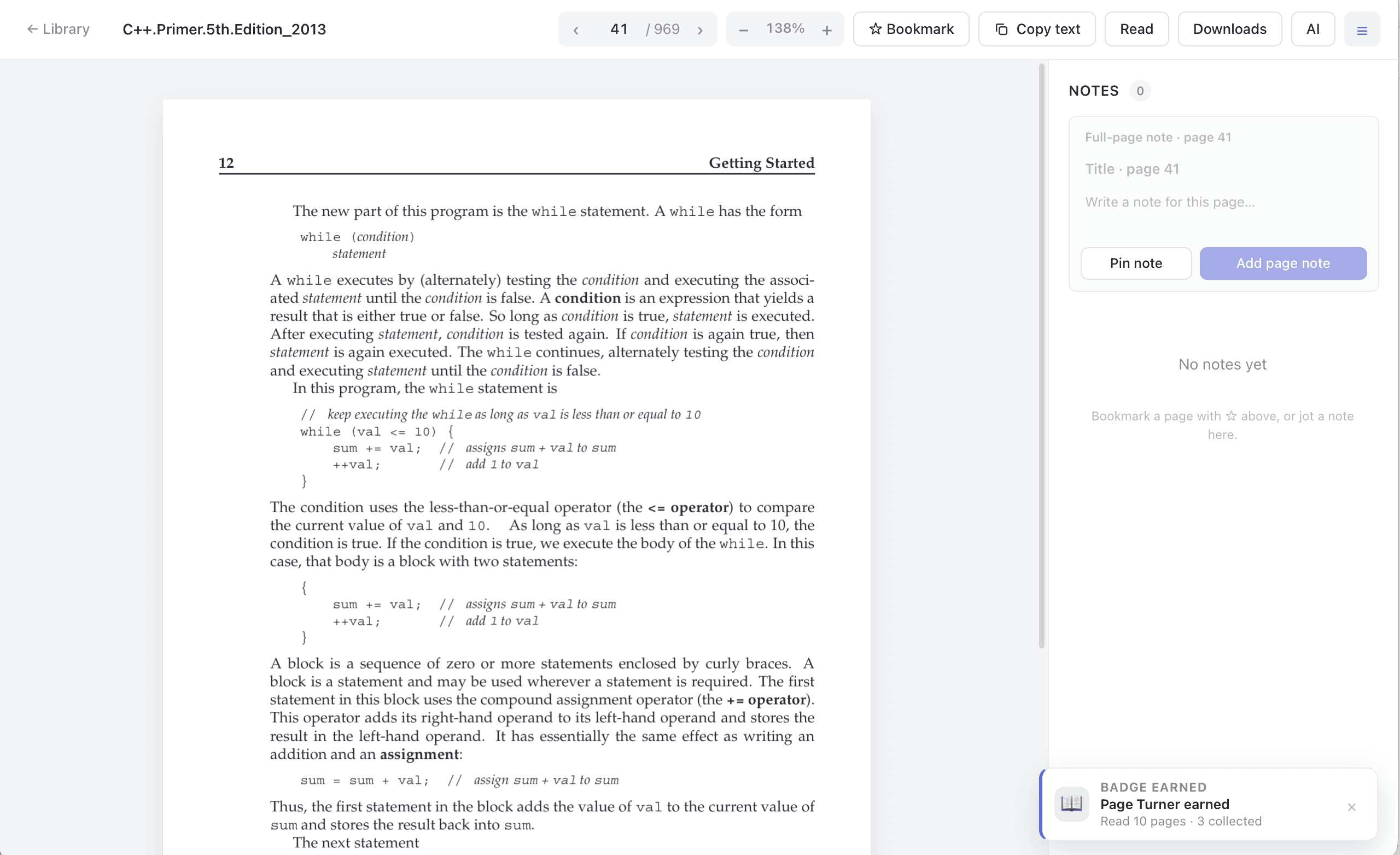
Celebrated, never interrupted.
Hit a milestone and a small badge notification slides in while you keep reading. Glance at it or dismiss it, it never gets in the way.